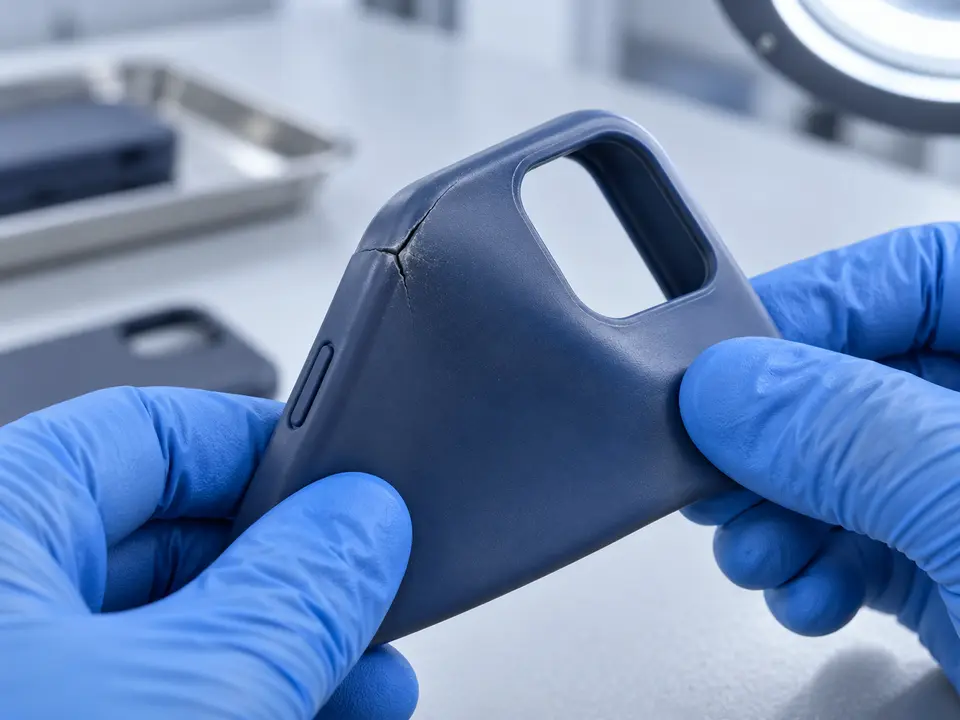
Loose or Hard-to-Press Buttons
The side buttons on a phone case seem like small details until one stops working well. A volume key may rattle when you walk. A power button may need two hands to press. Sometimes a case button feels as if it is permanently holding the phone’s button down. These are everyday frustrations, and they can make an otherwise attractive case feel poorly made.
The case must fit the exact phone, transfer pressure to the correct point, and return after each press. Understanding that chain helps buyers identify problems before ordering in quantity.
First, Find Out Whether the Case Is the Cause
If a button becomes difficult to use, remove the case and try the phone’s button directly. Does it respond normally? Is the click consistent? This simple comparison tells you whether to focus on the accessory or the device. Phone makers also recommend checking whether a case or debris is blocking a button when troubleshooting button problems.
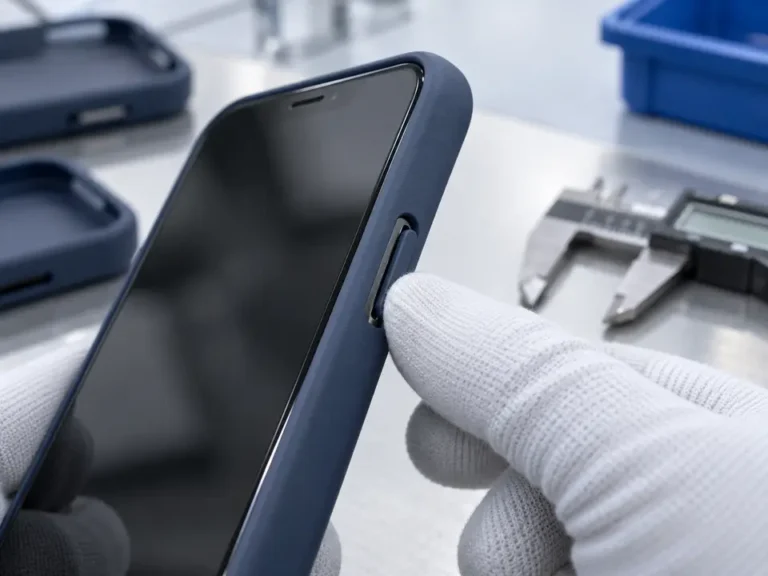
Next, inspect the case without the phone inside. Press its molded or separate button cover. It should move smoothly and return to its original position. Look for trapped dirt, a bent sidewall, a damaged cover, or an opening that no longer lines up with the phone.
If the phone button remains unreliable after the case is removed, follow the phone maker’s troubleshooting guidance. Do not repeatedly force the case button.
Fit and Alignment Determine the First Click
A phone case made for a similar-looking model may slide onto the device while placing its button covers slightly too high, low, or far to one side. Even a small mismatch matters because a phone button has limited travel. The cover can press on the edge of the key rather than its center, making the response uneven.
An unseated corner can twist the sidewall and shift the button cover. Check that the camera opening, ports, and all four corners align.
For a correctly fitted case, each covered key should respond without searching for a particular spot to press. Test short taps, long presses, and repeated presses. If the button works only when pushed at an angle, there may be a fit or construction problem that a product photo cannot reveal.
Why Some Buttons Feel Too Hard
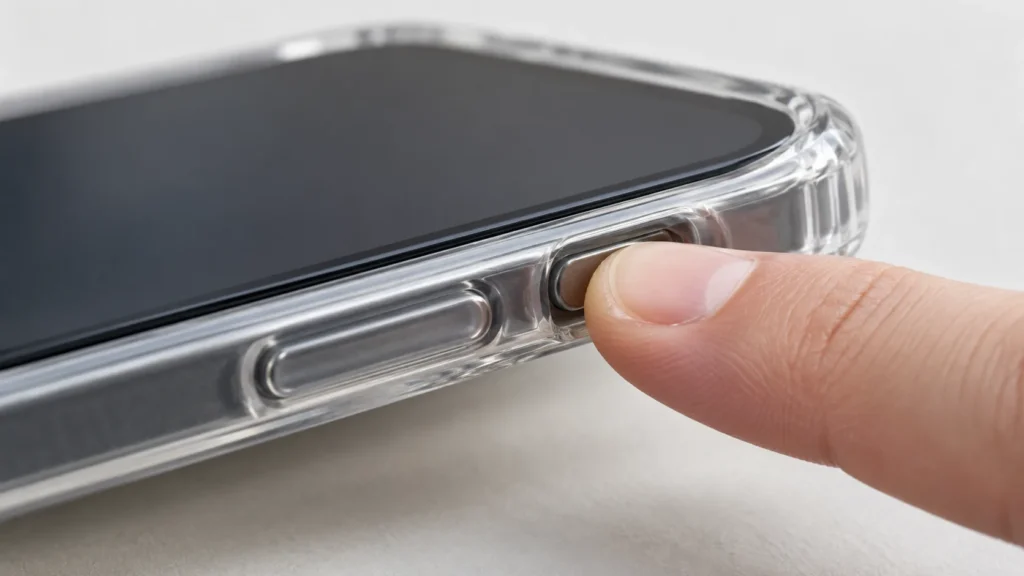
A case must transfer force from your finger through its own button cover to the phone. If the material above the key is too thick or stiff, much of the force goes into bending the case rather than moving the phone button. A deep recess can make the key harder to reach, especially on a thick protective case.
The structure around the cover also matters. A flexible button area needs enough room to move. If a rigid frame holds it tightly on all sides, pressing it may feel like pushing on a solid wall. Separate metal or plastic buttons can improve the feel when designed carefully, but they still require accurate sizing and a reliable way to stay in place.
A case can provide impact coverage while keeping its controls practical for daily use. People press volume and power buttons far more often than they drop their phones.
Why Other Buttons Feel Loose or Rattle
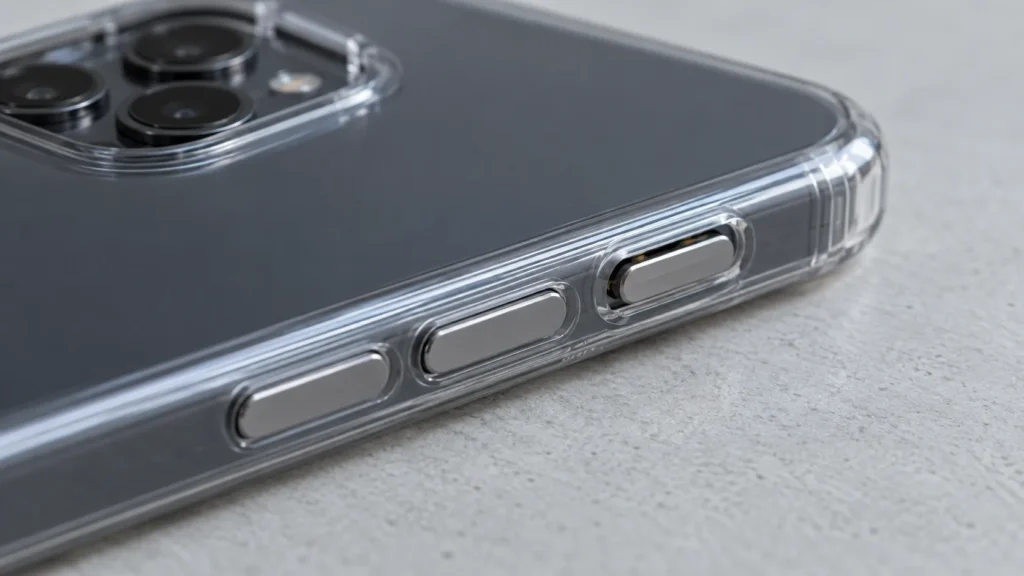
At the other extreme, a button cover may have too much space to move. A separate piece can click against the surrounding case when the phone is shaken, or it may shift sideways before it reaches the phone’s key. That extra movement makes the response feel imprecise.
Some clearance is necessary for a movable part. The question is whether the clearance is controlled. A useful button should return to the same position after every press and remain secure during ordinary handling. If a small part can fall out during removal or cleaning, the design needs attention.
Molded buttons can develop a loose feel as well. When the case sidewall stretches or loses its shape, the cover may no longer sit close enough to the phone’s key. A button that felt crisp when new can gradually require a deeper press, even though neither the phone nor the key has changed.
Materials and Construction Affect the Feel
Soft TPU, rigid polycarbonate, silicone, and combinations of these materials behave differently around a button. A soft section can flex easily, while a rigid structure can help a separate button stay positioned. Neither material name guarantees a good result. Shape, wall thickness, and the design of the moving area determine how the finished case behaves.
Look closely at the edges around a button cover. If material is uneven or a molding seam obstructs movement, one side may feel different from the other. A separate button may need careful retention and enough space to travel without rubbing. These are small manufacturing details with a noticeable effect on the customer’s experience.
For wholesale orders, compare several cases of the same model and color. A good sample matters only if later production batches feel the same.
Dirt and Wear Can Change a Good Button
Pocket lint, dust, and fine grit can gather near case buttons. Debris may restrict a moving cover or become trapped between a separate button and its frame. The result can feel like a sudden design failure even when the case worked well for months.
Remove the case according to its instructions and inspect the button area. Gently clean away loose debris using methods approved by the case and phone makers. Avoid pushing sharp objects into the phone’s key or using strong solvents that might damage the case.
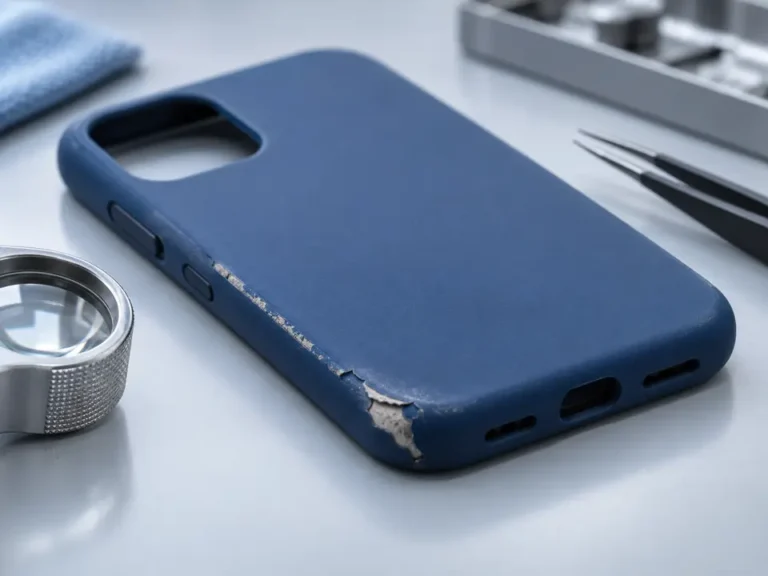
Also look for changes in shape. A split corner, stretched sidewall, or button cover that stays partly depressed is a reason to replace the case.
Test Buttons With the Real Phone Installed
Pressing an empty case tells only part of the story. The important test uses the exact phone model installed correctly. Try each control while holding the phone naturally in one hand. Confirm that a press produces one clear response and that the cover springs back immediately.
Repeat the test after installing and removing the case several times. Check whether the feel changes when you grip a corner or press near the button, since a flexible sidewall may behave differently under normal handling. Test with any other accessory that the product is intended to accommodate, provided that it does not interfere with the phone’s controls.
For brands comparing suppliers, document what you expect: precise alignment, no unintended presses, a consistent tactile response, and securely retained parts. These observations are more actionable than asking only whether a case has “good buttons.”
Small Controls Shape the Whole Experience
A phone case can look polished and still disappoint if its buttons are unreliable. Start with the exact device model, check that the case sits evenly, and compare the button response with and without the case. Then inspect the cover’s alignment, movement, and condition.
If you are buying in quantity, evaluate several finished samples and repeat the checks over time. A comfortable button should remain easy to find, easy to press, and quick to release. Getting that small detail right helps a protective case feel dependable every time the customer picks up the phone.