How a Case Can Damage the Phone
A phone case is supposed to protect your device. So why do some people remove a case and find scratches on the frame, marks on the back, or buttons that no longer feel right? The case itself may be part of the problem.
That does not mean using a phone without a case is safer. A well-fitting case can reduce damage from everyday bumps and drops. But protection depends on the details: the material against the phone, the way the case fits, the space around buttons and ports, and how the case is cleaned and used. Here is how a protective accessory can sometimes cause the damage it was meant to prevent.
Trapped Grit Can Turn a Case Into Sandpaper
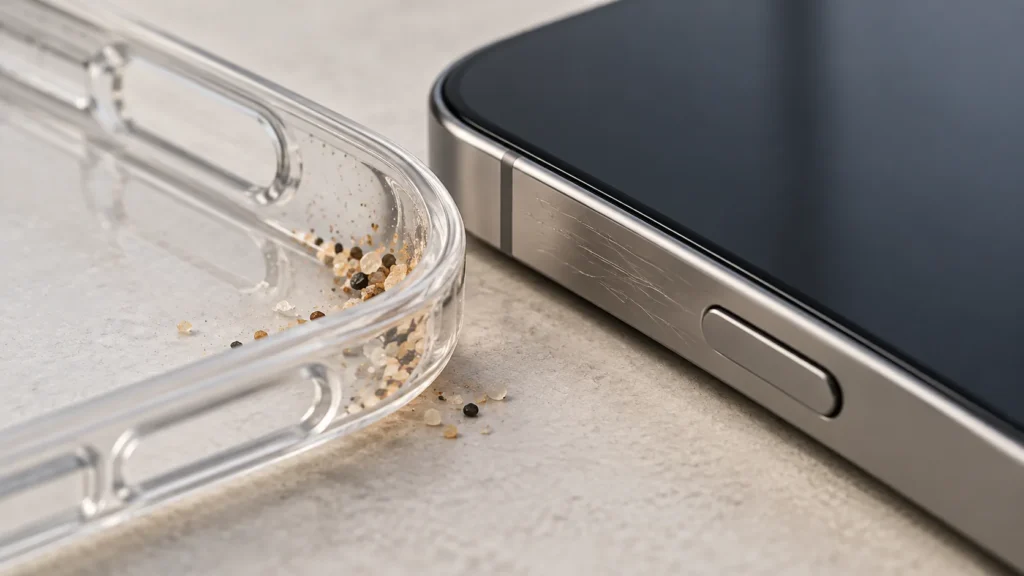
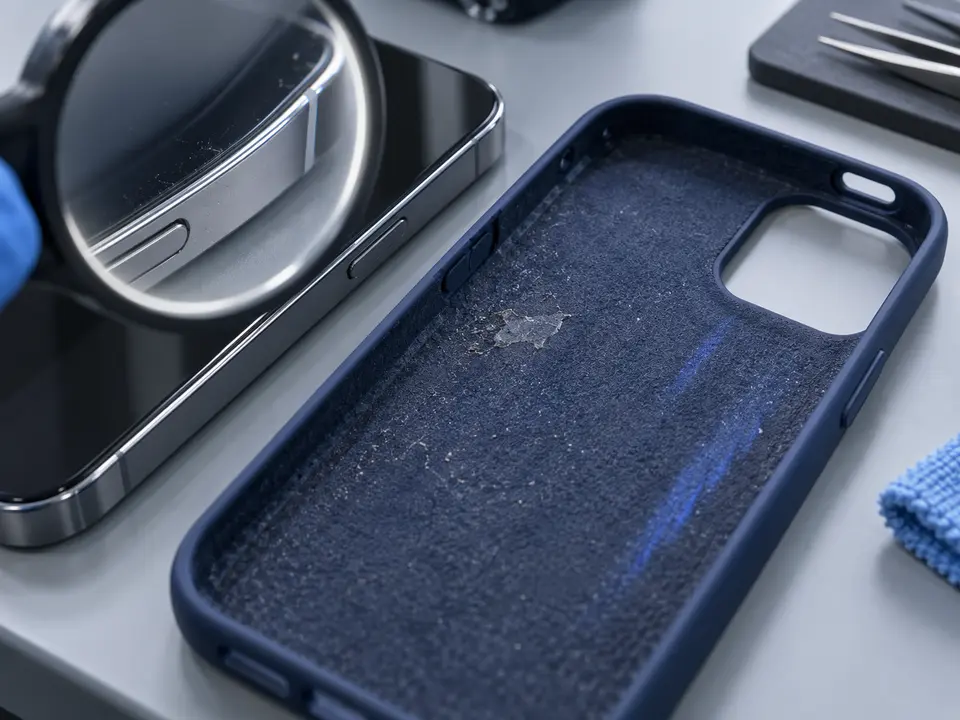
Dust is easy to overlook. A phone moves between pockets, bags, desks, and car seats, picking up tiny particles along the way. Some of those particles eventually find their way between the case and the phone. Once trapped, they can rub against the back panel or frame as the phone shifts slightly during use.
The risk is greater when the debris is hard, such as a grain of sand. A soft case lining cannot prevent a particle from scratching the surface if the particle stays pressed against it. Marks often appear where the case grips the corners or where pressure is concentrated along an edge.
The solution is simple but often neglected: take the case off occasionally and clean both surfaces. Use a soft, lint-free cloth and follow the phone maker’s cleaning guidance. Check the inside corners and camera opening, where grit can hide. Before putting the case back on, make sure the phone and case are completely free of loose particles.
A Poor Fit Can Put Pressure in the Wrong Places
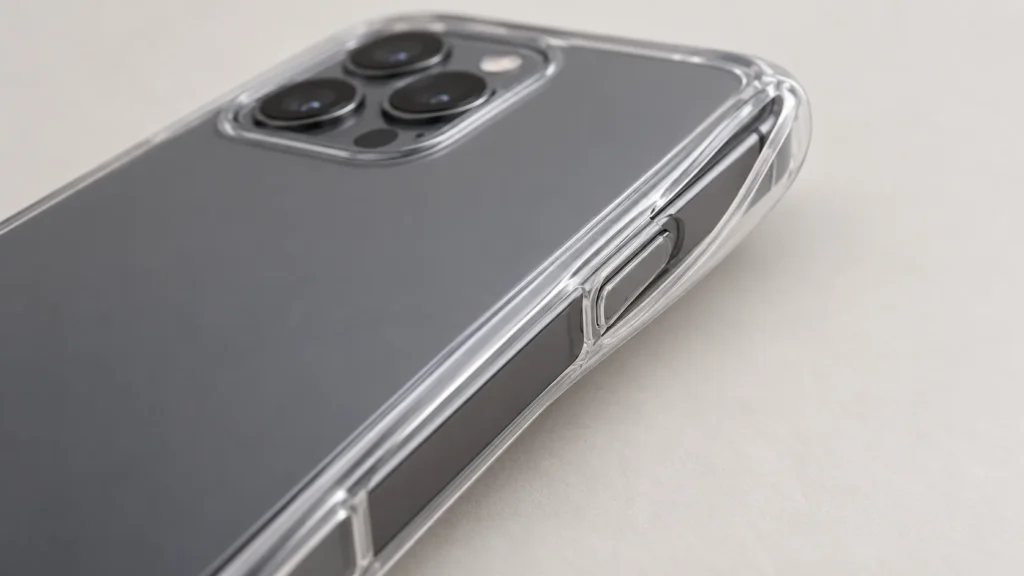
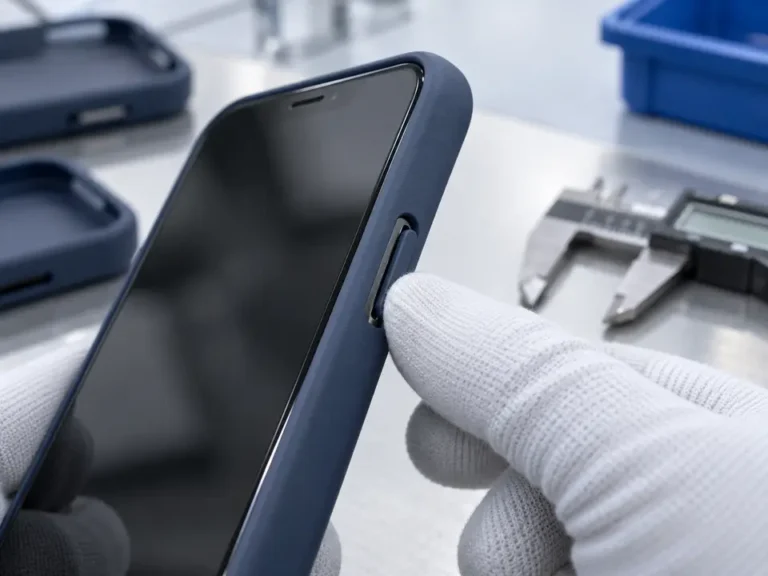
Phones that look similar do not necessarily have identical dimensions. A small difference in button placement, camera height, or frame shape can matter. A case made for the wrong model may seem to fit at first, yet press on a button, catch on a camera surround, or leave one corner under tension.
An overly tight case creates another problem. If installing it requires force, the hard edges may scrape the phone as they pass over the frame. Repeated removal can make that worse, particularly if dirt has built up on the contact surfaces. At the other extreme, a loose case may allow the phone to move inside it, increasing rubbing and making the case more likely to slip off during a fall.
A proper fit feels secure without excessive force. The buttons should move naturally, the charging plug should enter without obstruction, and the case should sit evenly around every corner. If a button is held down or the case bows away from the frame, stop using it and confirm the exact model compatibility.
Hard Details and Decorative Parts Need Careful Placement
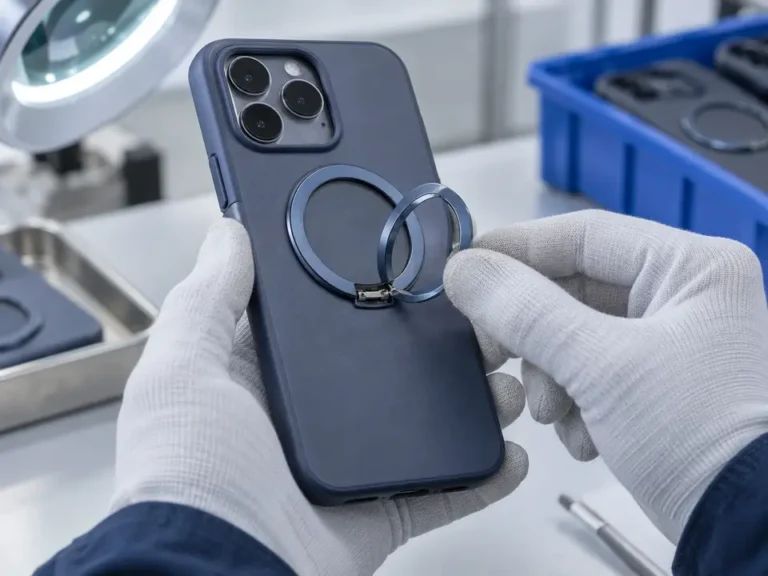
A rigid case can help spread an impact, but its inner surface needs to be designed with the phone in mind. Rough molding marks, sharp seams, exposed fasteners, or poorly finished metal decorations can contact the device during installation or daily use. A raised feature that looks harmless on the outside may also create a pressure point if it extends toward the phone.
This matters around the camera. Modern camera modules rise above the back of many phones, so the opening must provide clearance without allowing the case to push against the lens surround. A decorative ring should be firmly attached and should not scrape the camera area as the case flexes.
Before using a new case, run a fingertip gently around its interior. Look for rough spots, loose parts, or adhesive that has shifted into the phone-contact area. If you find one, do not rely on the phone’s finish to smooth it out. Choose a better-finished case instead.
A Case Can Make Heat and Charging Problems More Noticeable
Phones generate heat when charging, recording video, playing demanding games, or operating in a hot environment. A case can affect how readily that heat leaves the phone. This does not mean every case will overheat a device, but if the phone regularly feels unusually warm during charging, the case is one factor worth checking.
Phone makers give practical guidance here. Apple advises removing a case if an iPhone tends to heat up while charging. It also notes that a thick or metal case may interfere with wireless charging. Charging behavior depends on the device, charger, alignment, temperature, and case design, so a case should not be blamed for every slow charge.
If charging slows or pauses, move the phone out of direct sunlight, let it cool, and check the charger and cable. You can then try charging without the case to see whether the behavior changes. Do not put loose metallic objects between a phone and a wireless charger. Follow the device maker’s advice if temperature warnings continue.
A Drop Test Does Not Check Every Way a Case Can Harm a Phone
Drop ratings answer a specific question: how did a case and phone perform under defined impact conditions? OtterBox, for example, describes tests using multiple drops and explains how its products are compared with a military drop standard. That is useful evidence when evaluating impact protection.
It is only one part of the picture. A case can handle a controlled drop and still fit poorly, trap abrasive dirt, restrict a button, or complicate charging. Likewise, a case that survives one fall may behave differently when the phone strikes a sharp edge or the case has already been damaged. The test method, phone model, impact angle, and pass criteria all matter.
When comparing products, look beyond a claim such as “military grade.” Ask whether the maker explains what was tested. Then inspect the everyday details that a drop rating cannot show you: fit, finish, button action, camera clearance, and ease of cleaning.
Worn Cases Can Create New Risks
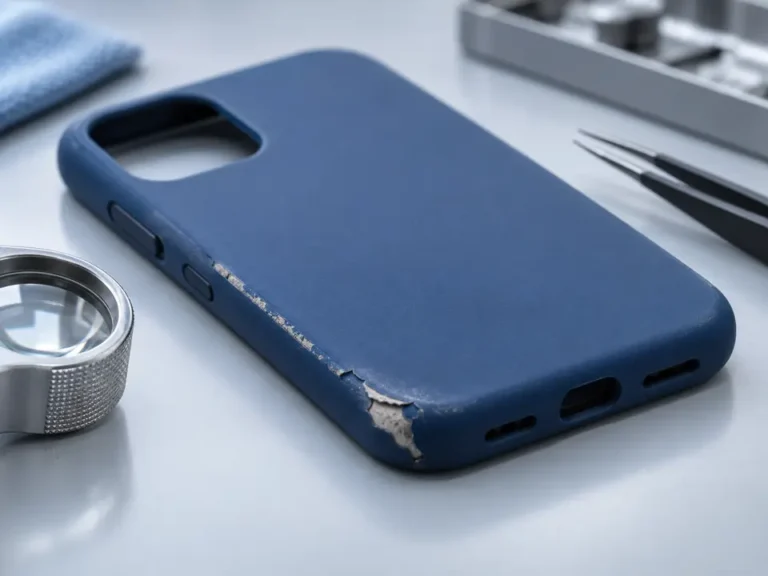
The case you bought and the case you are using a year later may behave differently. Flexible edges can stretch, hard corners can crack, and glued parts can loosen after repeated impacts. A case that once held the phone securely may begin to lift away from the frame. Its damaged areas can collect more dirt or create rough contact points.
Check your case after a significant drop. Remove the phone and inspect the interior as well as the outside. Pay attention to cracked corners, exposed rigid edges, loose camera trim, and edges that no longer snap into place. A case does not need to fall apart completely before it should be replaced.
Cleaning also requires care. Harsh abrasives can damage a phone’s finish or screen coating. Follow the device and case makers’ instructions, and let both dry as directed before reassembly. A short inspection is especially worthwhile if you often carry your phone near sand, dust, or workshop debris.
Choose Protection That Works With the Phone
The best case protects the phone during accidents and behaves well during ordinary use. Start with the exact device model. Make sure the case fits evenly, has smooth phone-contact surfaces, leaves enough clearance around the camera and charging port, and keeps the buttons easy to operate. Consider drop-test information, but read the conditions behind the number.
Once the case is on, keep it clean and watch for changes. New scratches near the corners, unexpected button behavior, unusual warmth while charging, or a loosening edge deserve a closer look. Sometimes the fix is as small as removing trapped grit. Sometimes the right answer is a new case.
A phone case should make daily use less worrying. Choosing carefully and checking it occasionally helps ensure the protection stays where it belongs: between the phone and the hazards around it.